How to run end-of-day reports (X and Z)
The X report shows today's takings live; the Z report closes the day. Both split takings by payment method and show VAT.
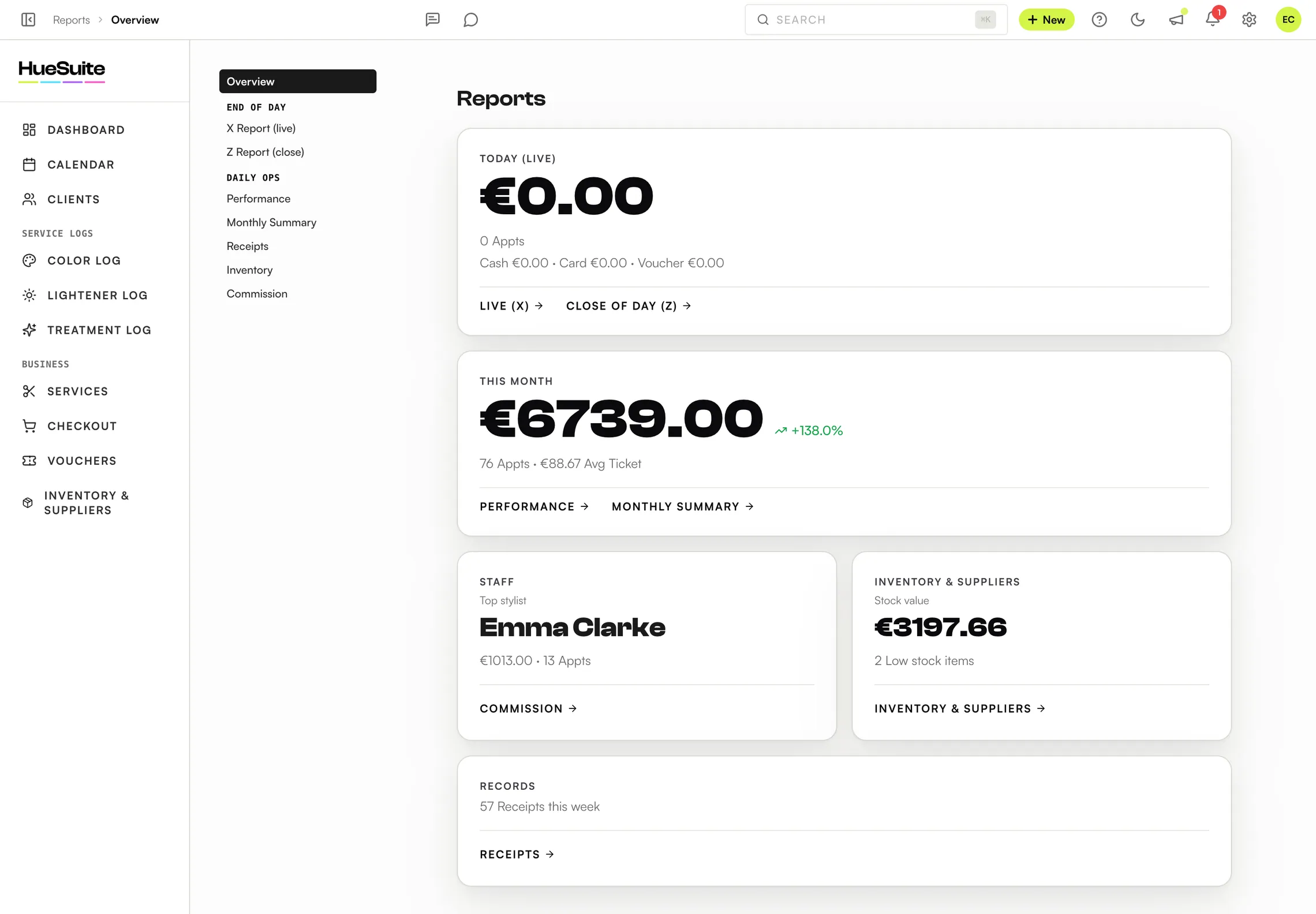
Where to find it Reports, in the sidebar
Step by step
- Open Reports. Under End of day, choose X Report (live) during the day, or Z Report (close) at closing time.
- Compare takings by payment method — cash, card and voucher — with your till and card terminal, and check the VAT Breakdown.
- Click Export to download CSV, Excel (XLSX) or PDF, or Print.
- Under Daily ops you'll also find Performance, Monthly Summary (with a VAT summary), Receipts, Inventory and Commission.
Good to know
- Refunds and reprints are in Reports → Receipts.
- To hand everything to your accountant in one file, see How to give your accountant access.
Plans: Available on Link, Pro and the free trial. The Pro Reports add-on (€8.99/mo) unlocks deeper sections such as stylist revenue and client lifetime value.
Still stuck? Email support@huesuite.eu or call +357 99 924 847 — a real person answers.